MLForge
Interactive machine-learning engineering lab (teaching app)
Interface Gallery (13 Screens)
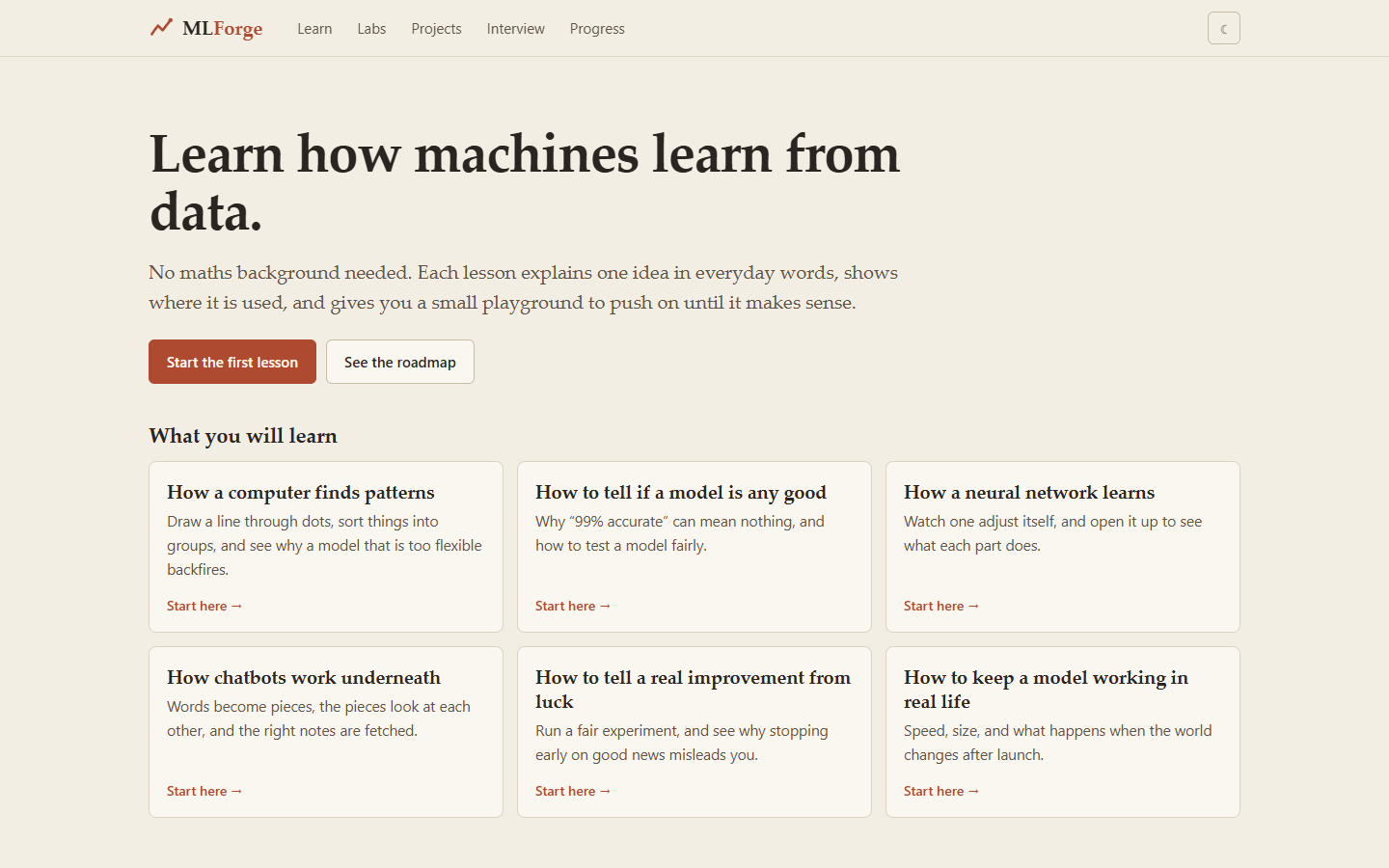
Home:Landing page: "Learn how machines learn from data", what you will learn, and the roadmap.
System Overview
"Don't read about ML. Manipulate it." Seventy-five topics in ten tracks (foundations, maths and statistics, deep learning, LLMs, MLOps and more). Each topic follows the same loop: plain-words explanation, an interactive lab you can move, the maths, a pure-Python implementation, the NumPy version, the scikit-learn / PyTorch version, a "break it on purpose" quiz, real-world use cases, how it runs in production, and interview questions. Code cells are read-only; a guide shows how to run them on Colab or locally. Progress is tracked per lesson in the browser.
Infrastructure & Stack
React + Vite + TypeScript. Every model is implemented from scratch in TypeScript (src/ml/); runs entirely in the browser, no backend.
 TypeScript
 React 18
 Vite
 KaTeX
 Python
Container Topology & Ports
From the mydocker dashboard: type "mlforge" then "up", then "open".
Complete Flow & Screen Breakdown
Landing page: "Learn how machines learn from data", what you will learn, and the roadmap.
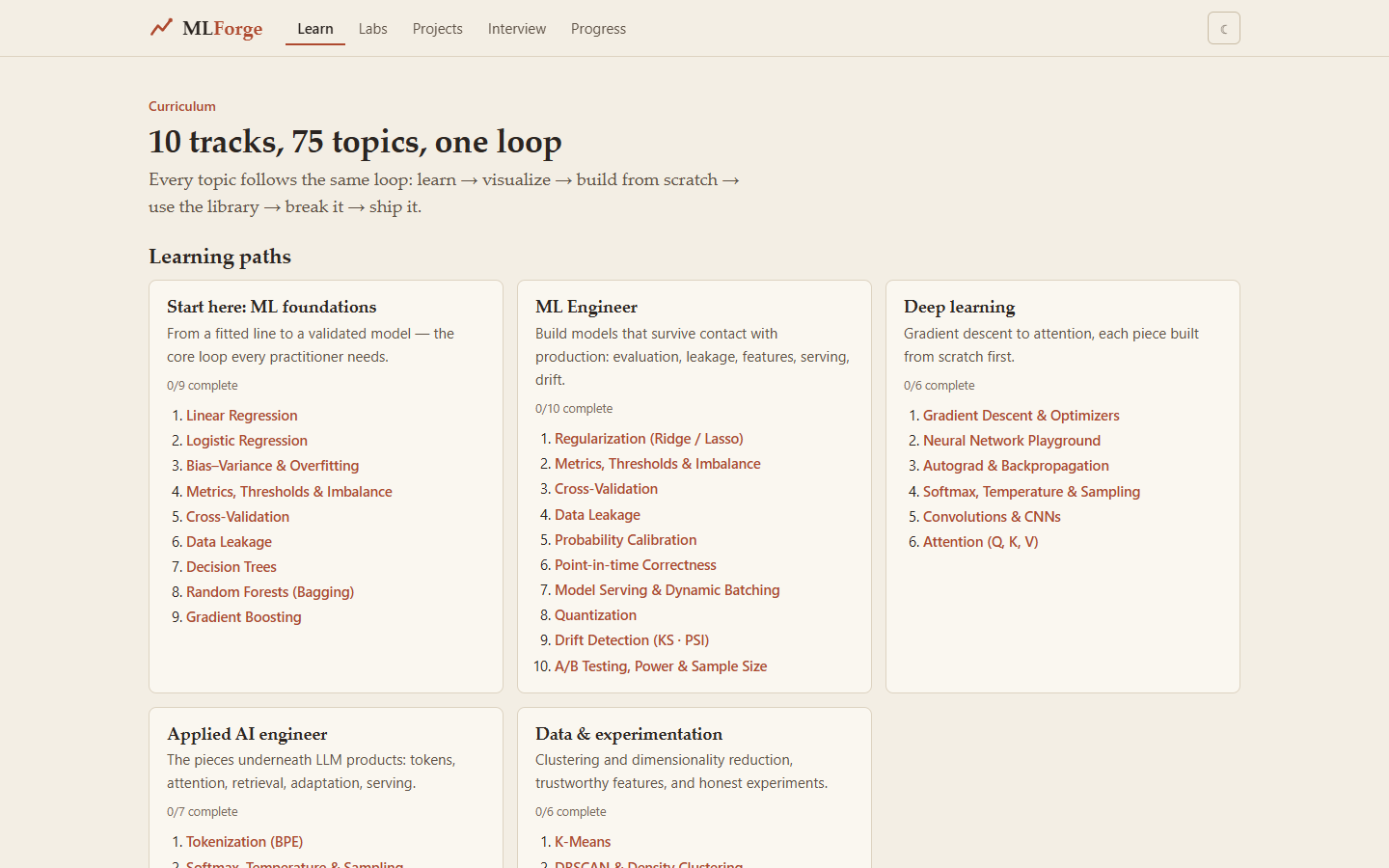
The curriculum: ten tracks, 75 topics, learning paths.
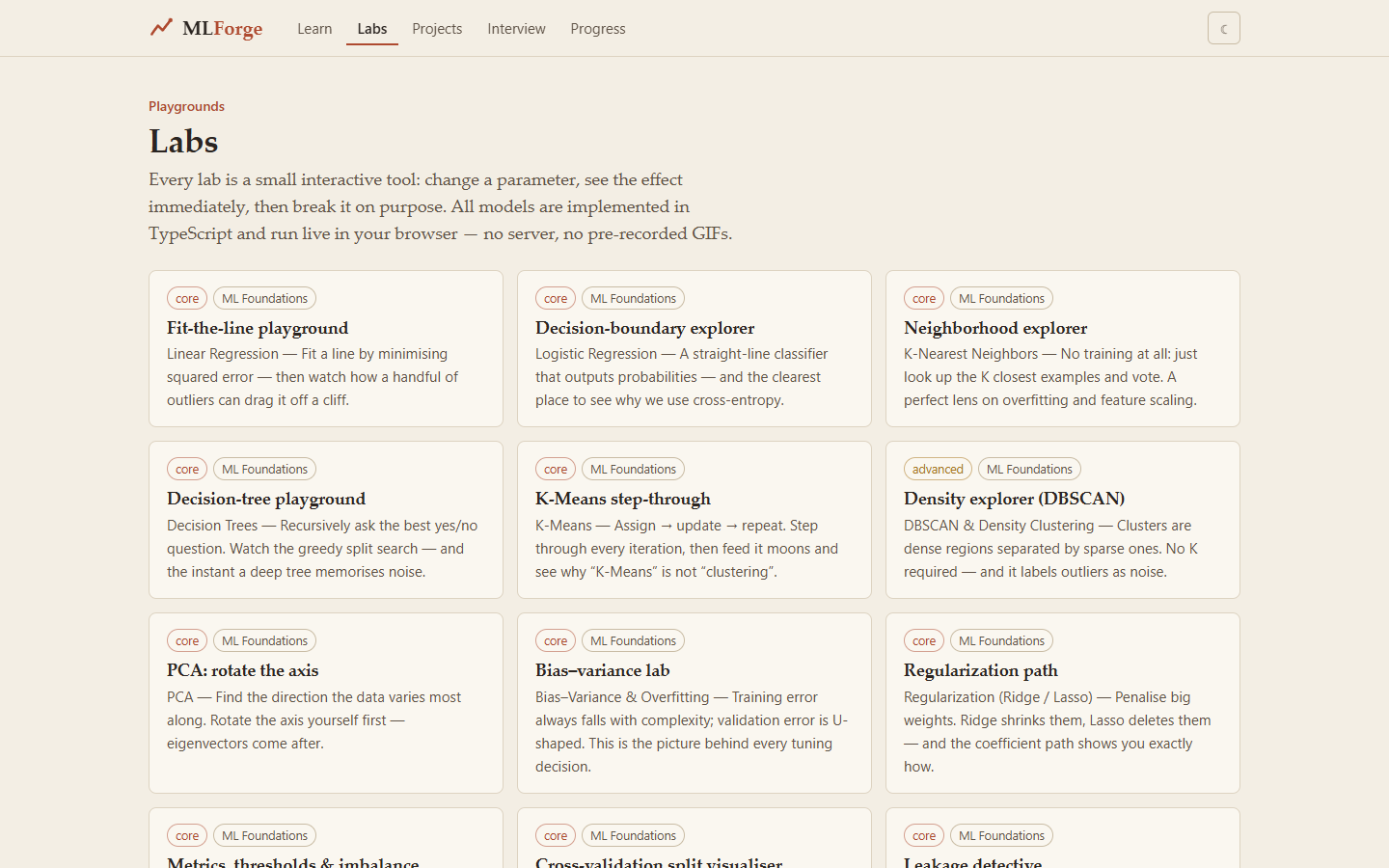
All labs in one grid.
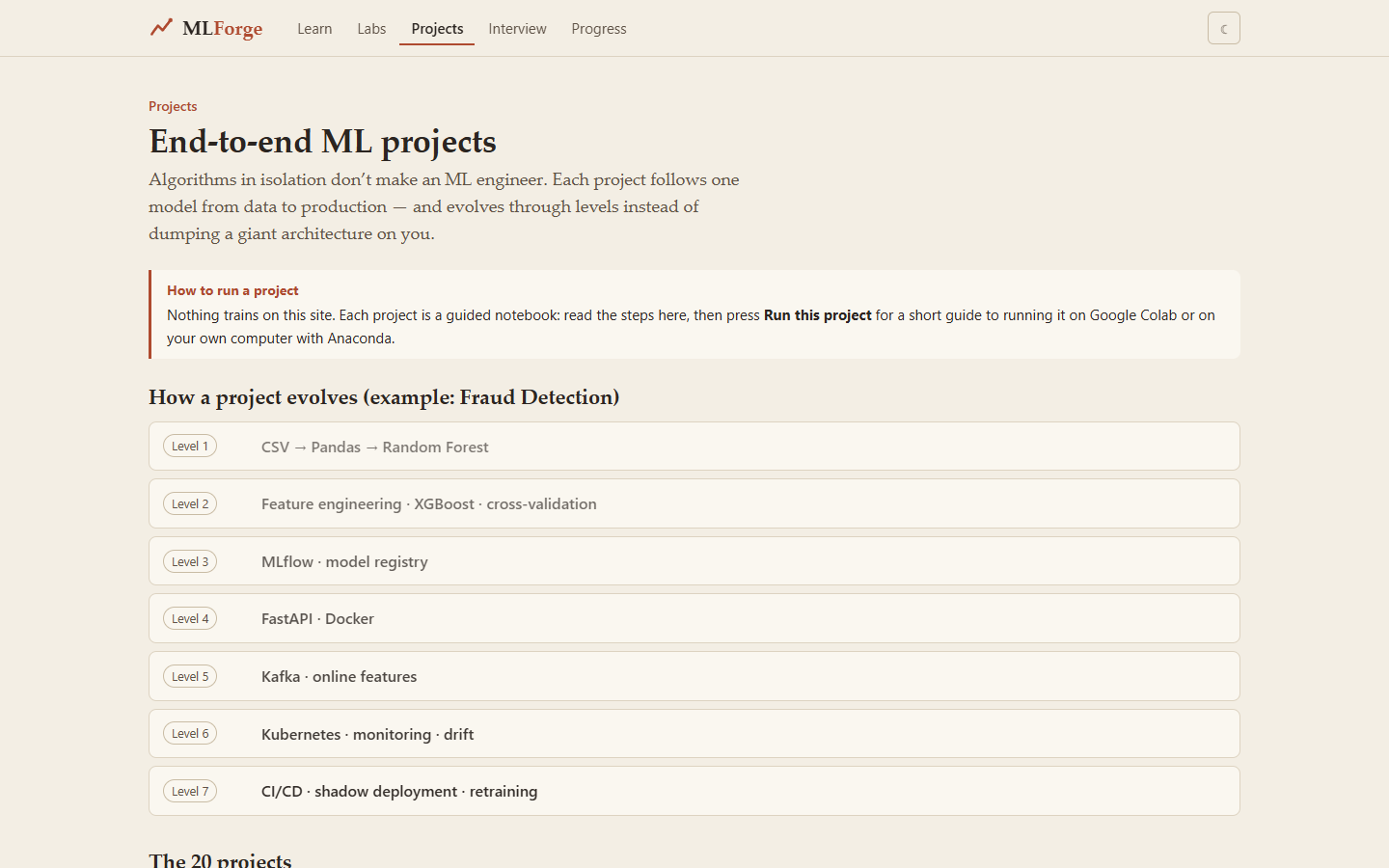
Twenty end-to-end projects and how one evolves (fraud detection example).
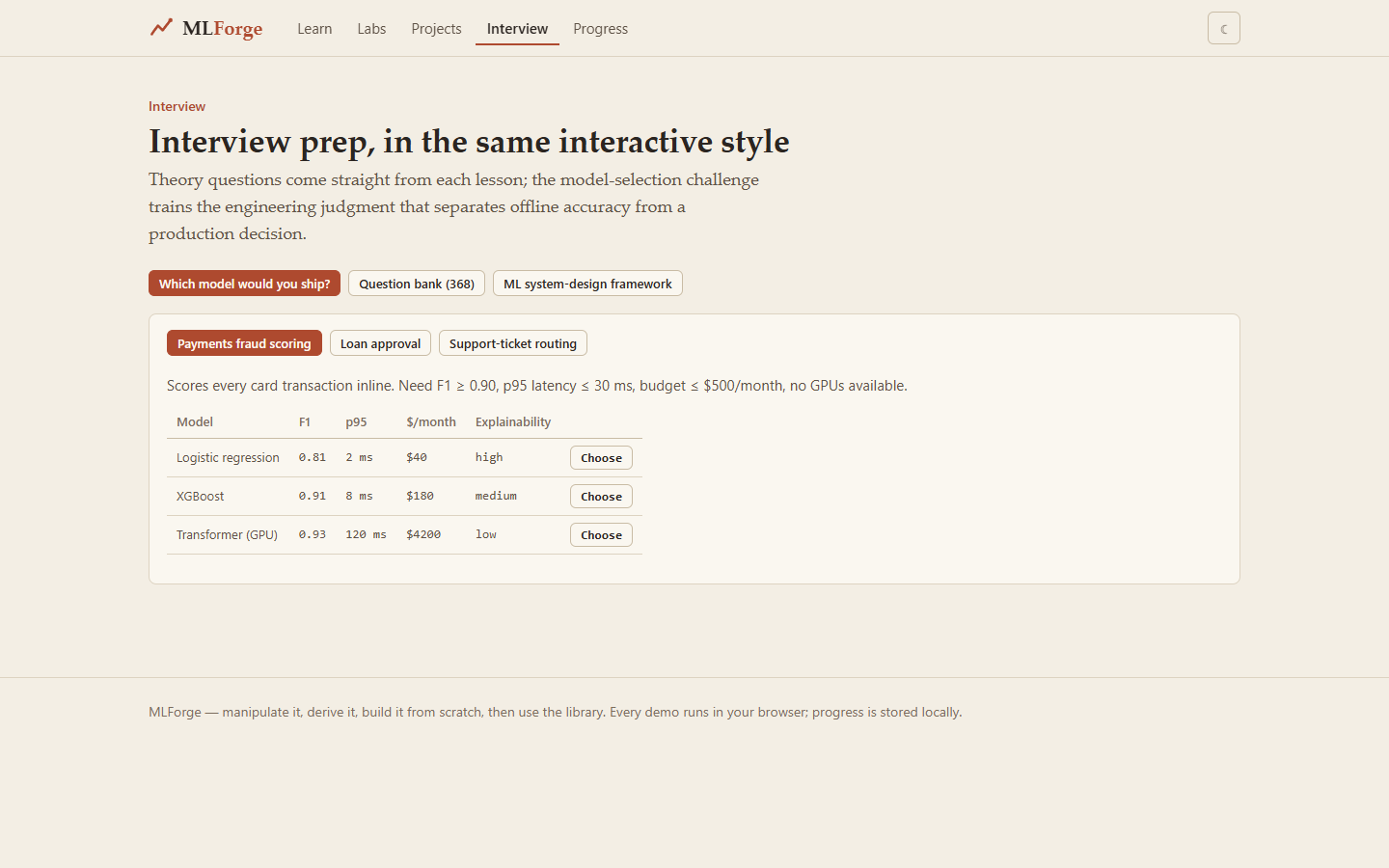
Interview prep in the same interactive style.
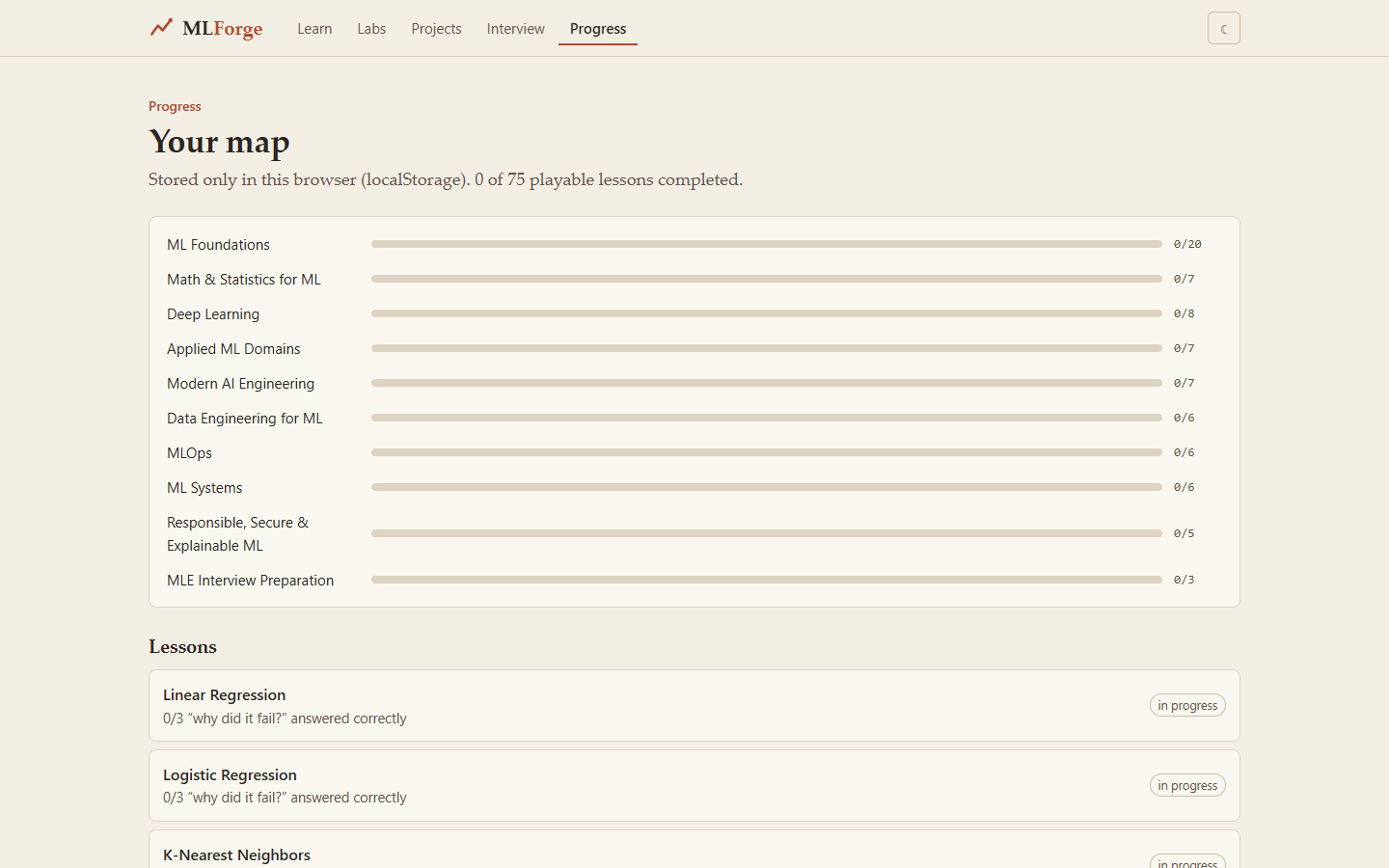
Your map: which lessons are complete.
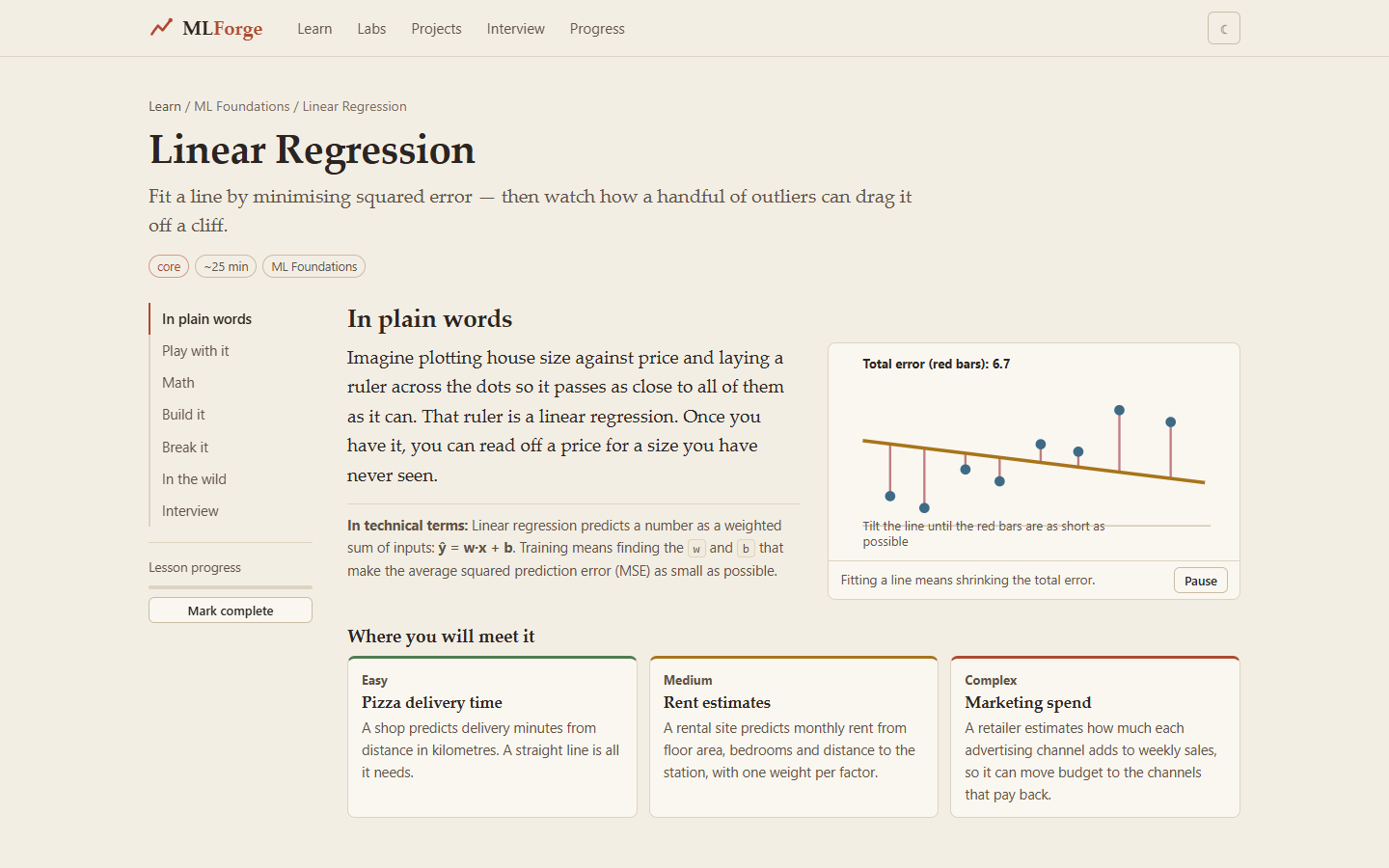
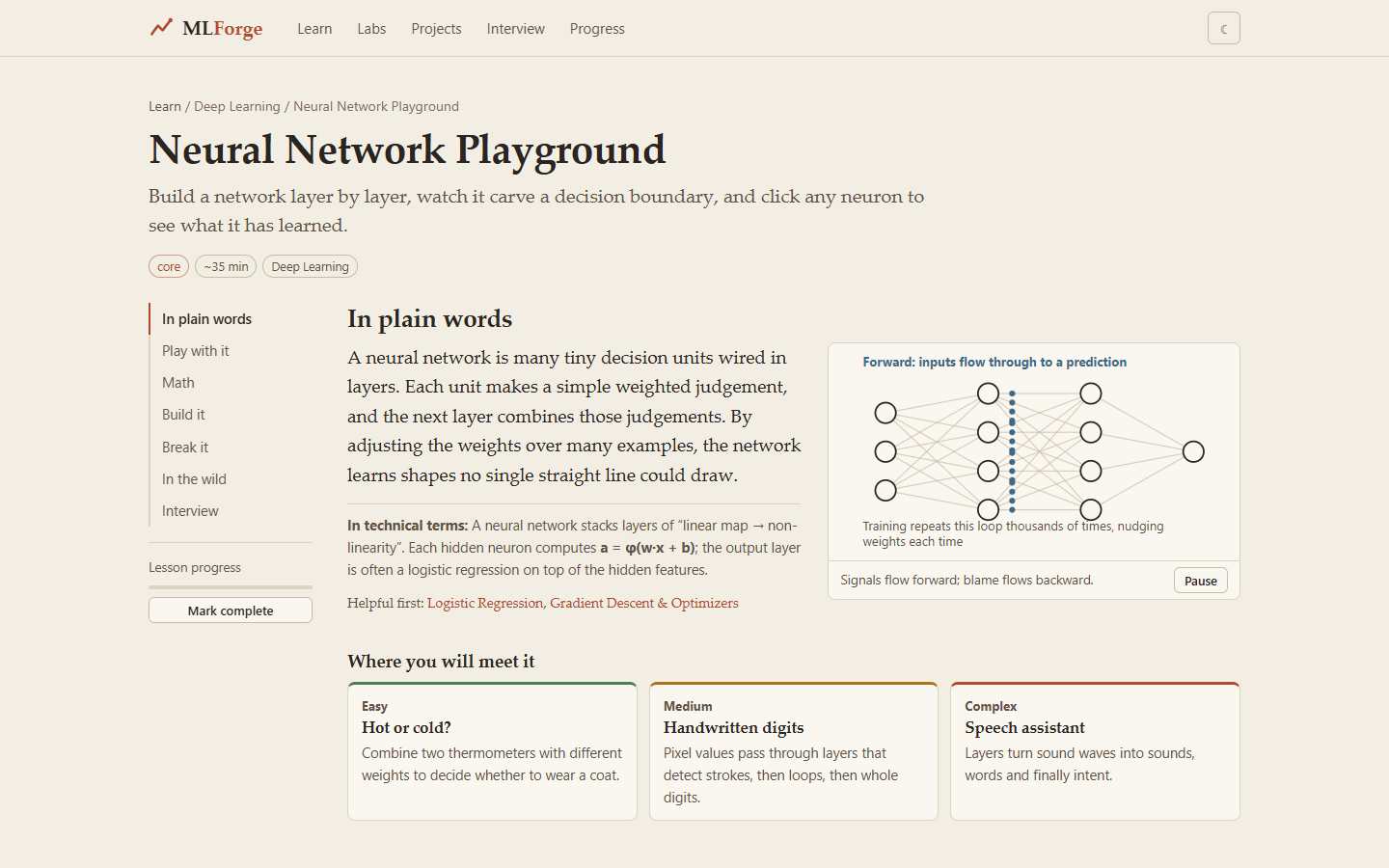
A lesson page: sidebar sections (plain words, play with it, math, build it, break it, in the wild, interview).
Lesson neural network
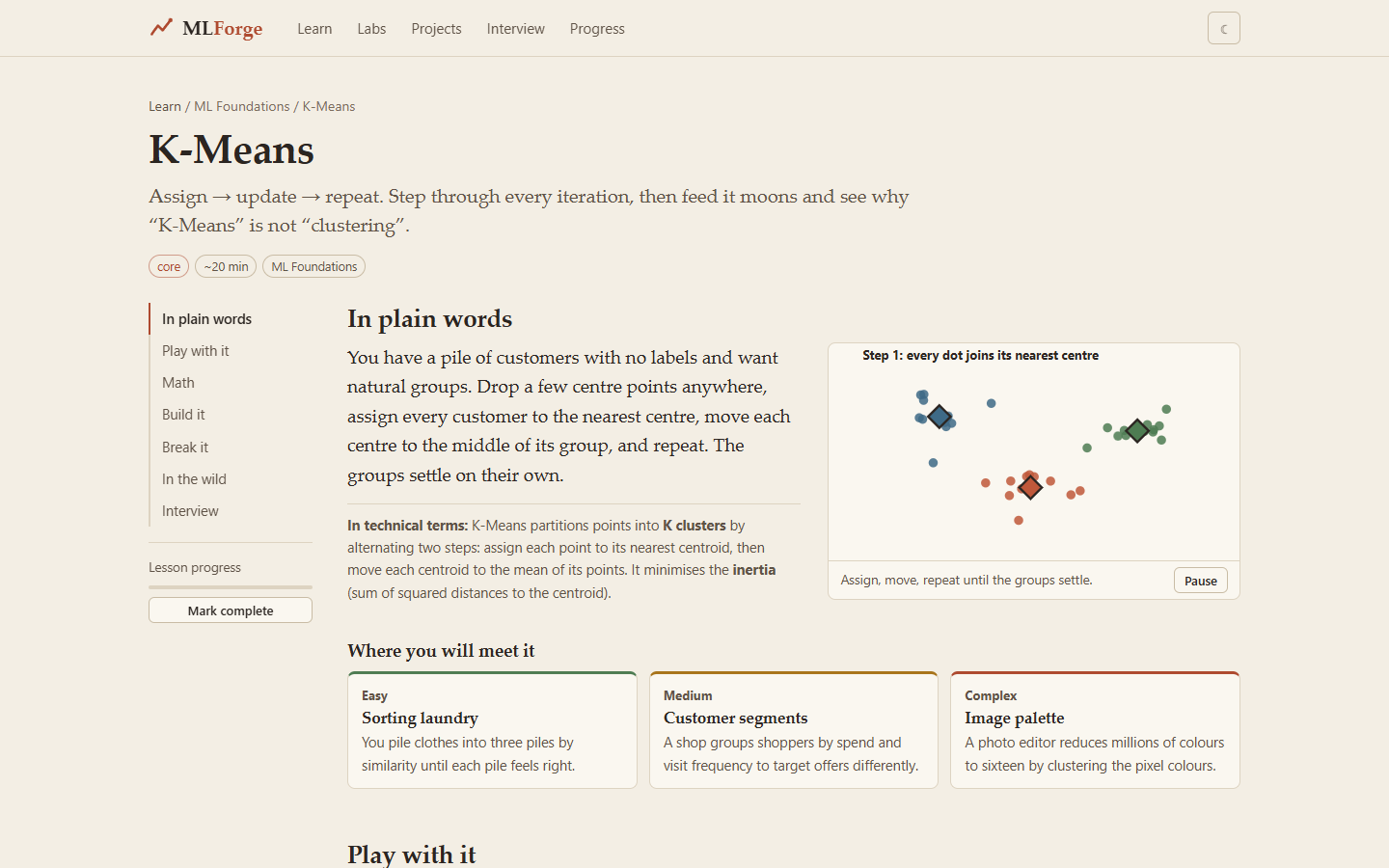
K-Means lesson.
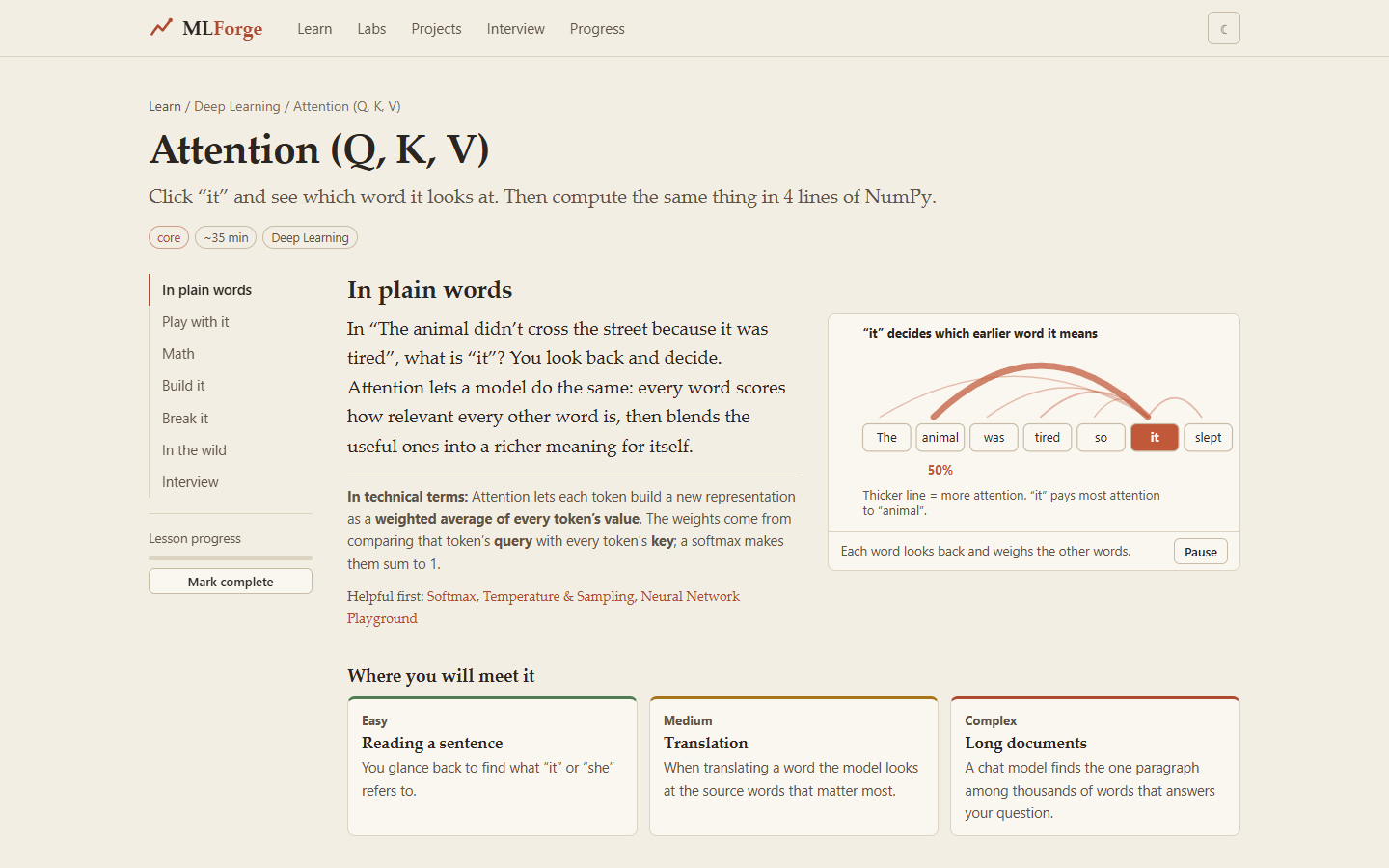
Attention (Q, K, V) lesson.
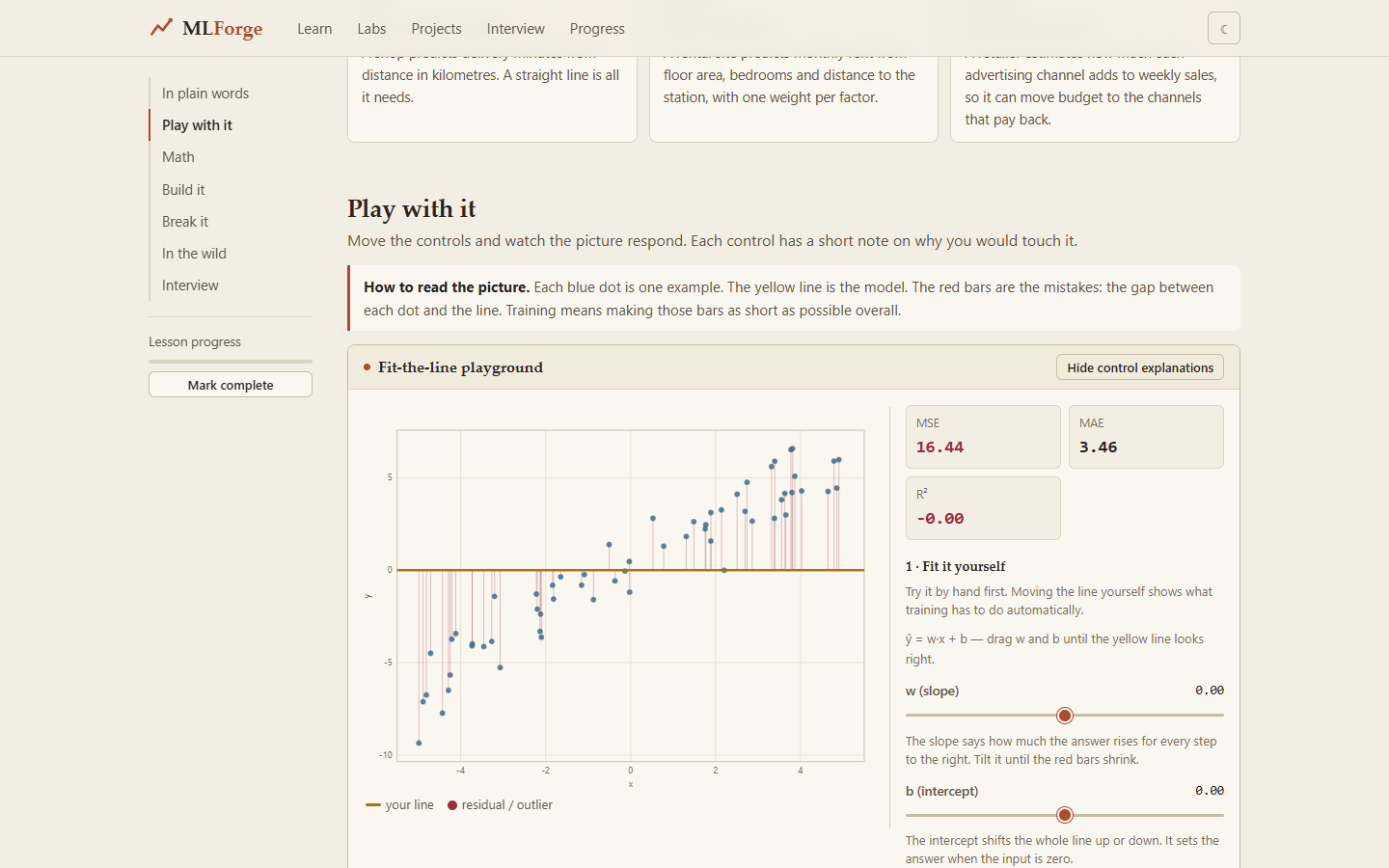
The linear-regression lab with its controls.
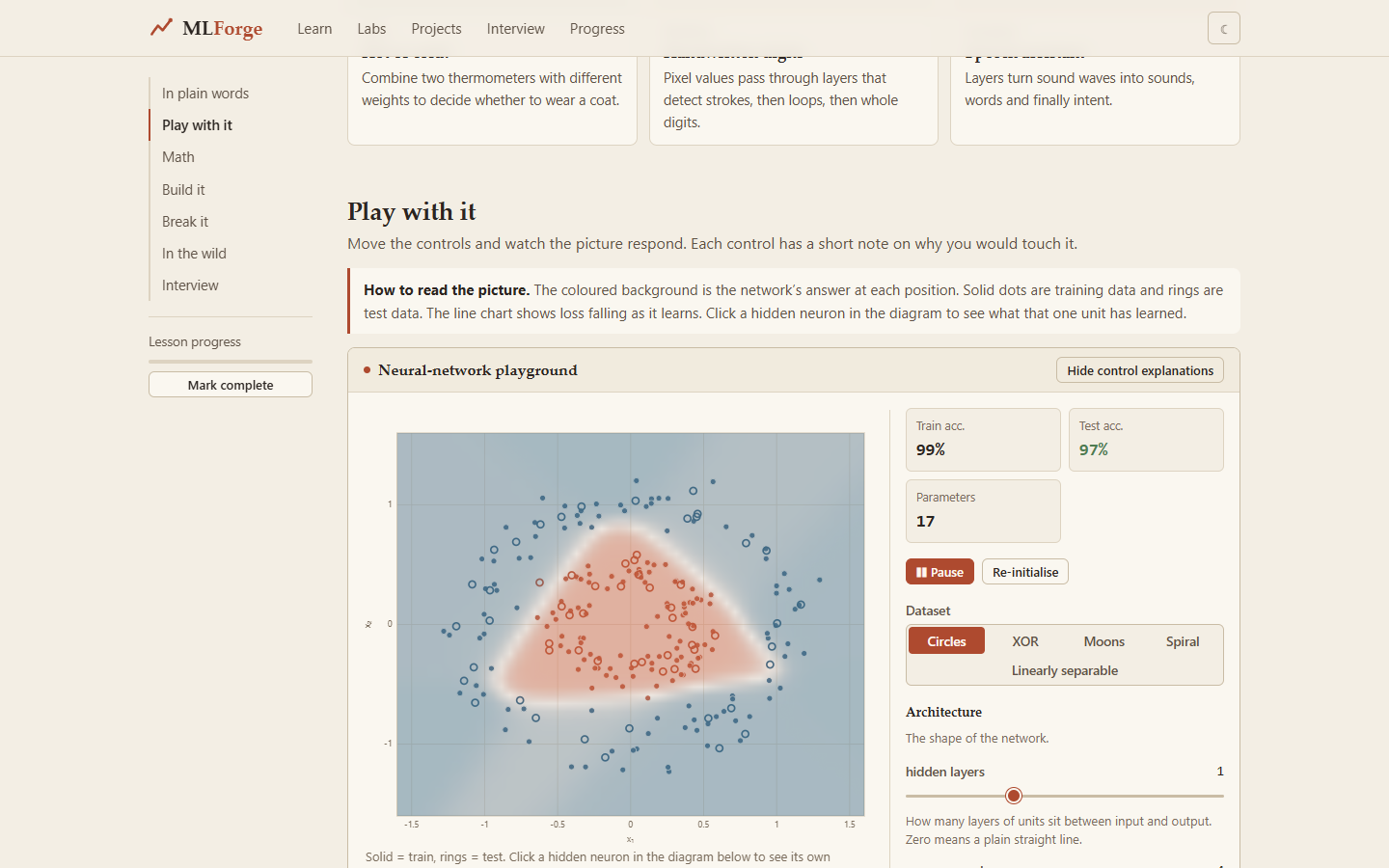
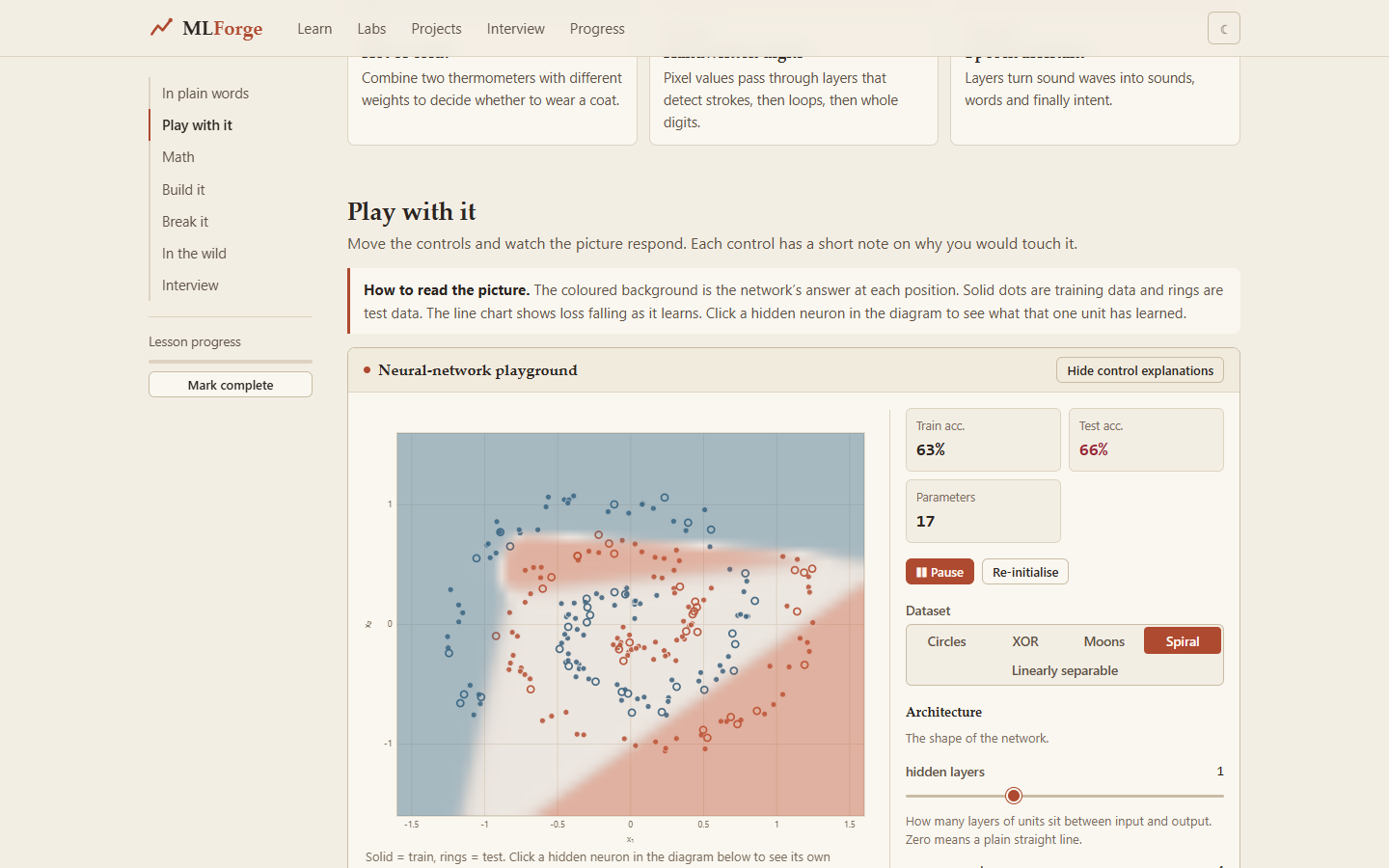
The neural-network playground: choose a dataset, set the hidden layers, and watch the decision surface and the loss curve update while it trains. Train and test accuracy are shown live.
Switching the dataset to Spiral.